
HamZaifPointofSale0%
Starting HamZaif POS…
Billing, stock, udhaar and daily profit in one app for retail, grocery, pharmacy, bakery and cafe. Works offline on Windows, with a web version and an Android app.
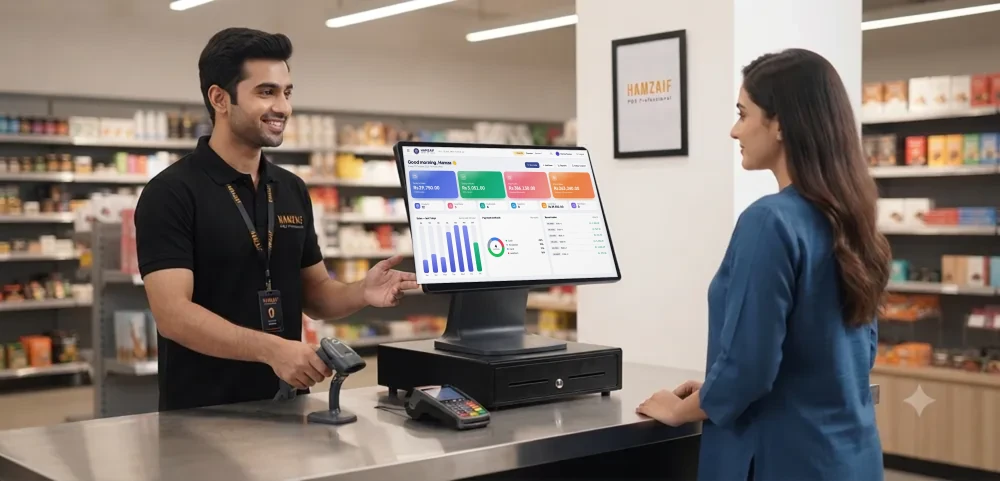
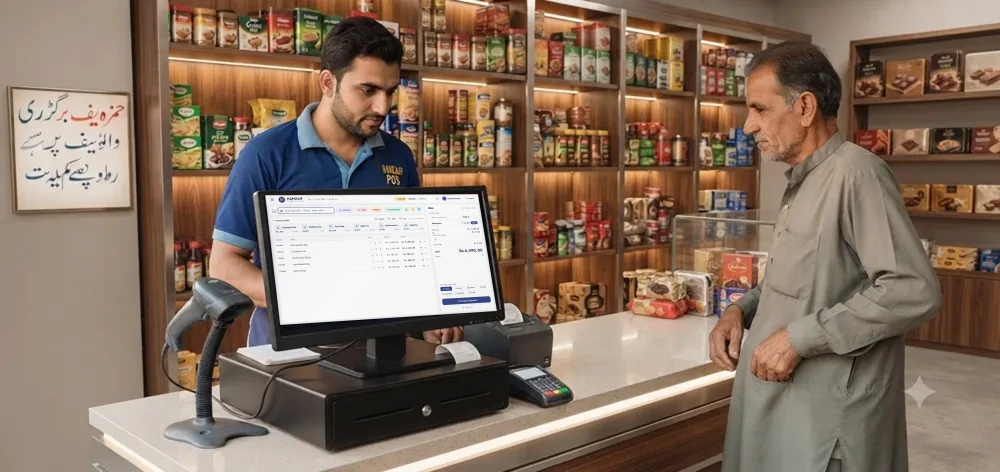
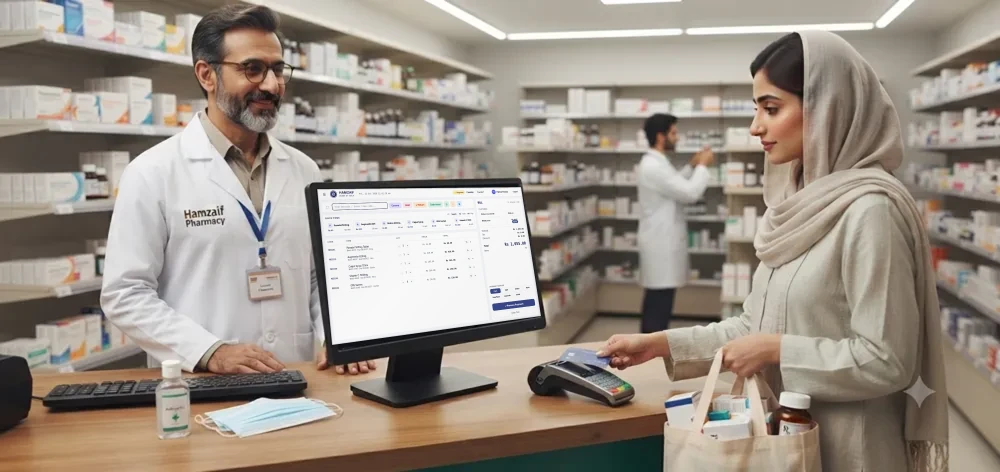
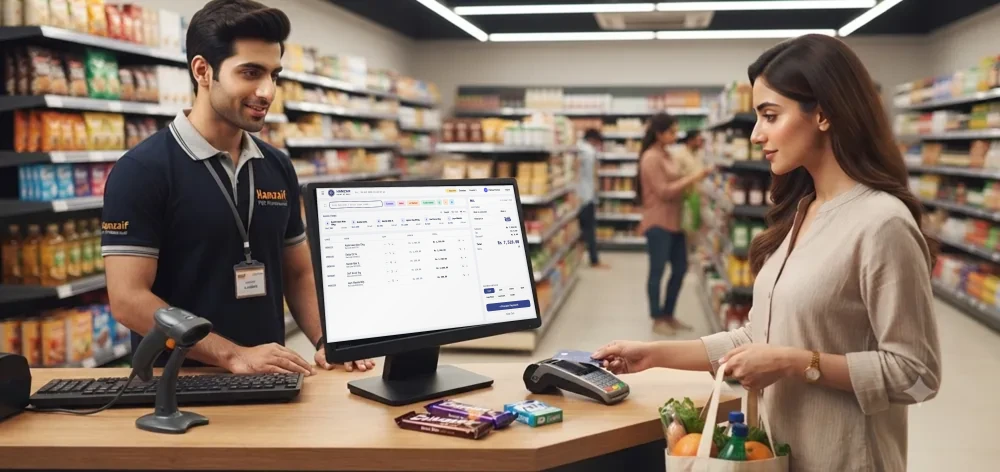
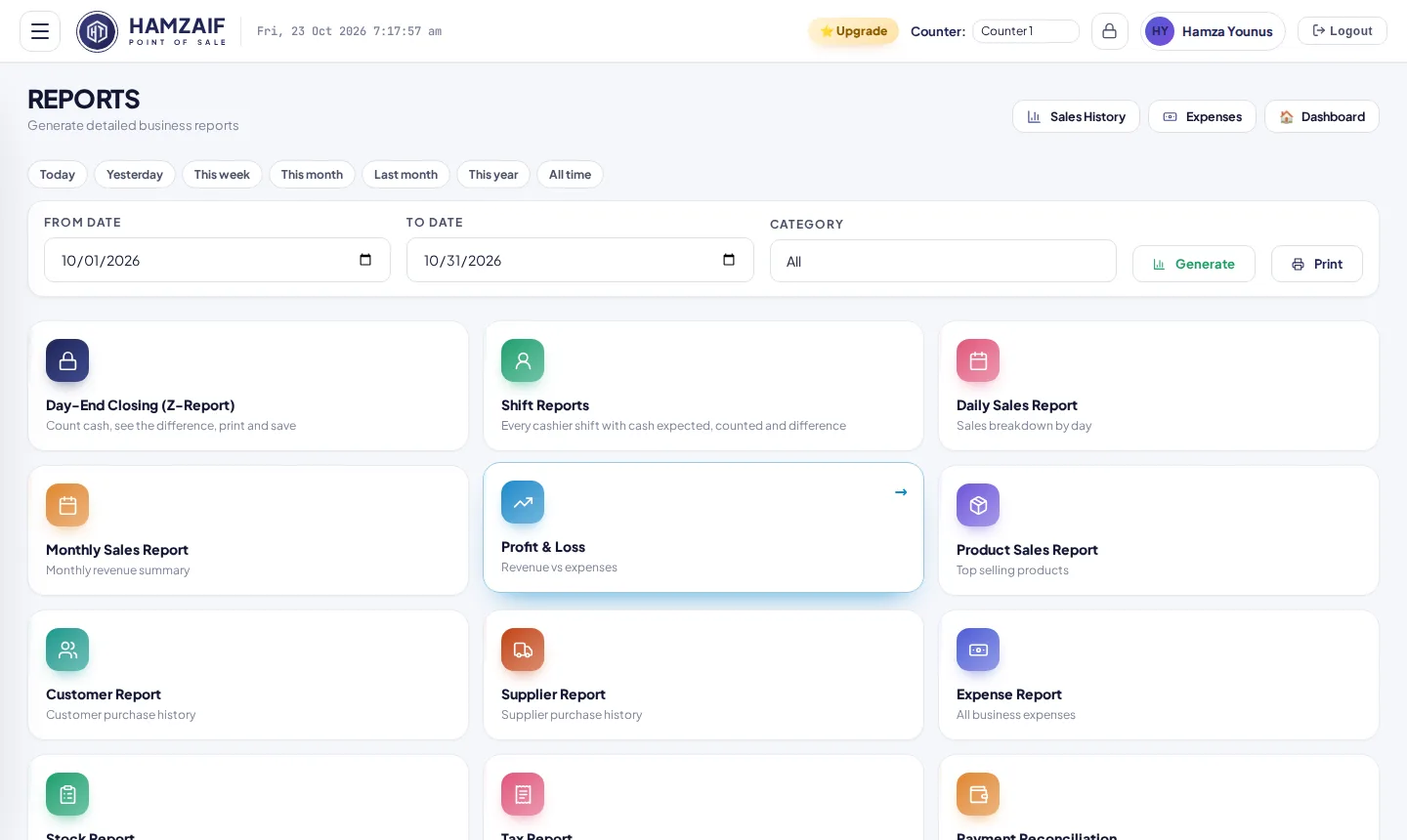
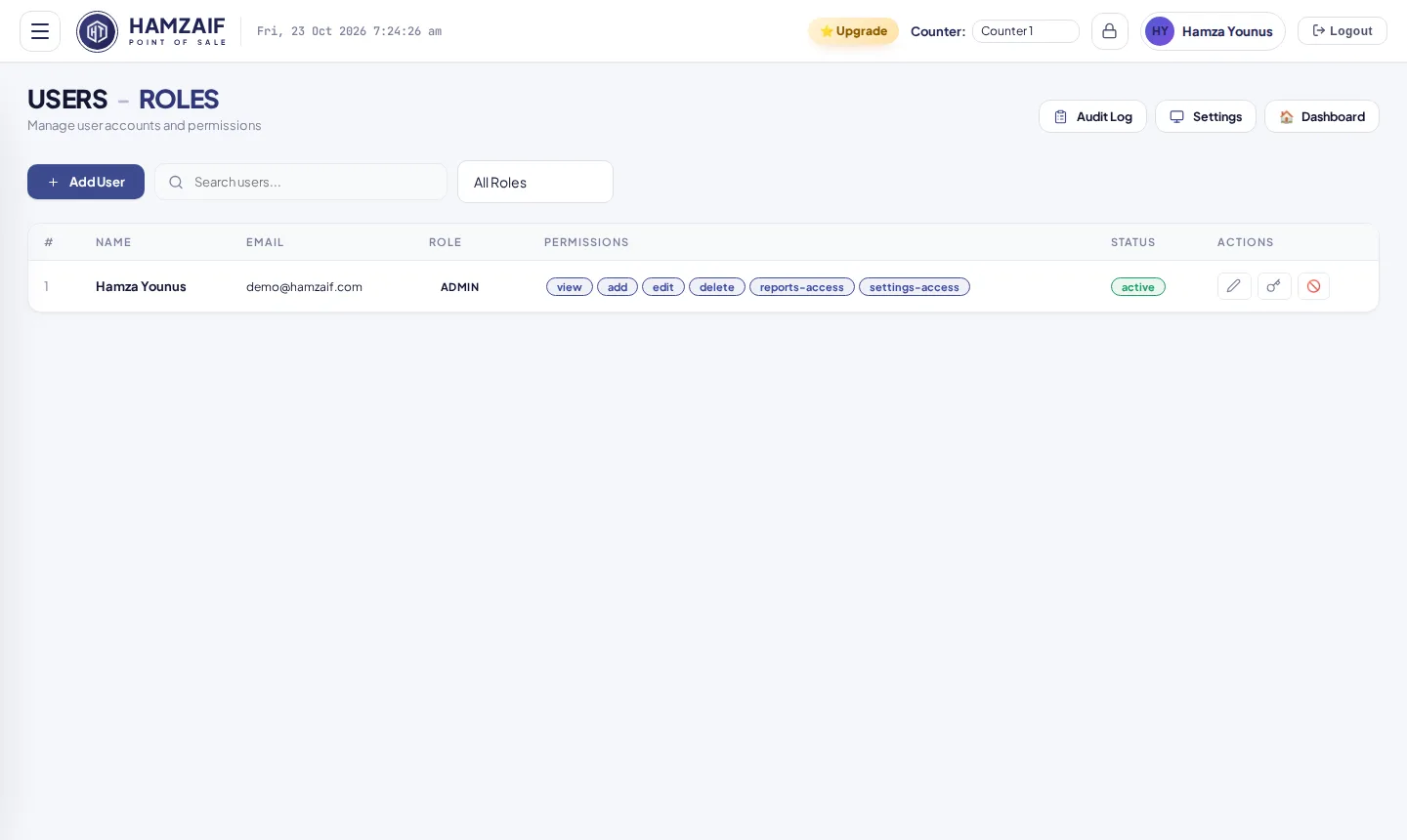
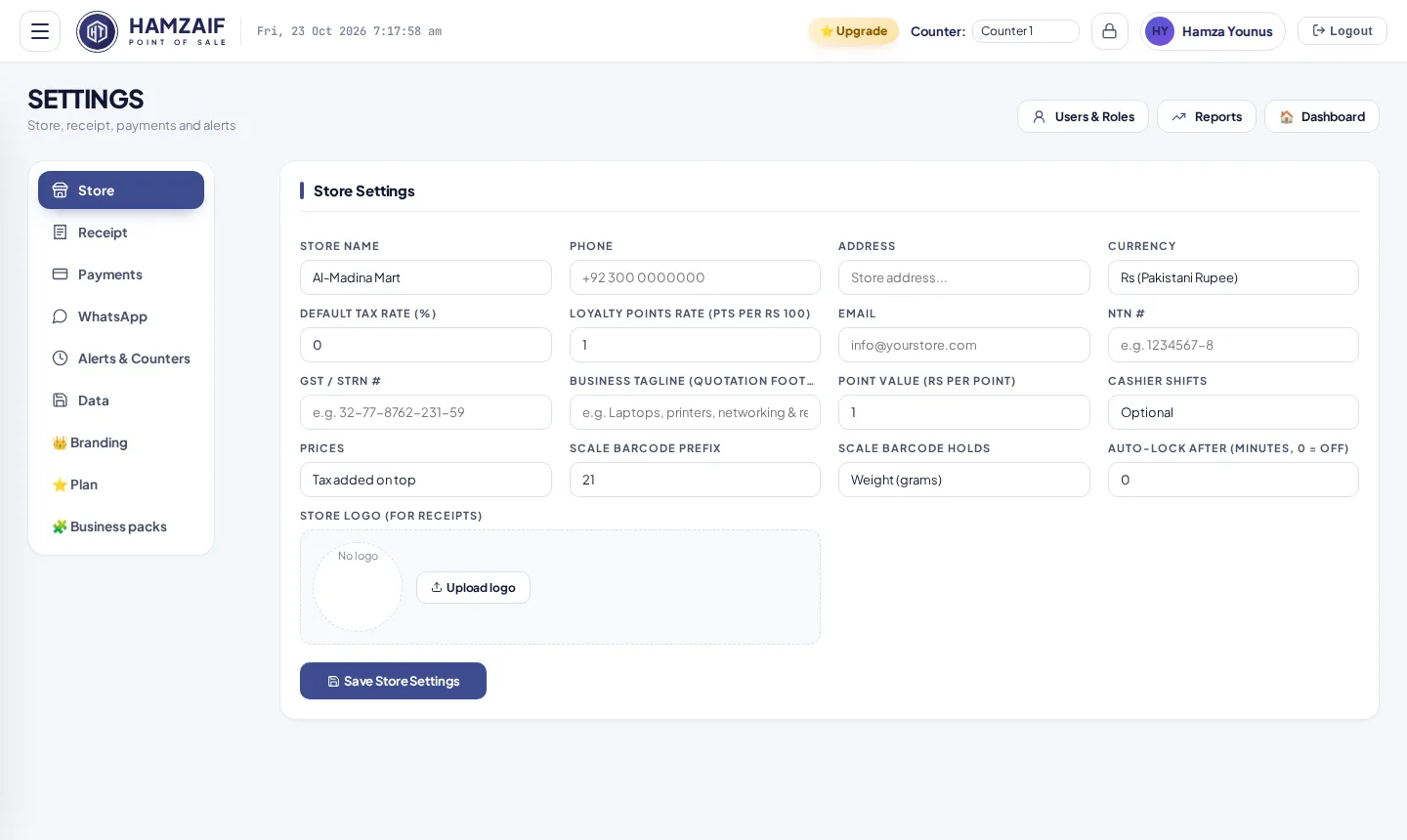
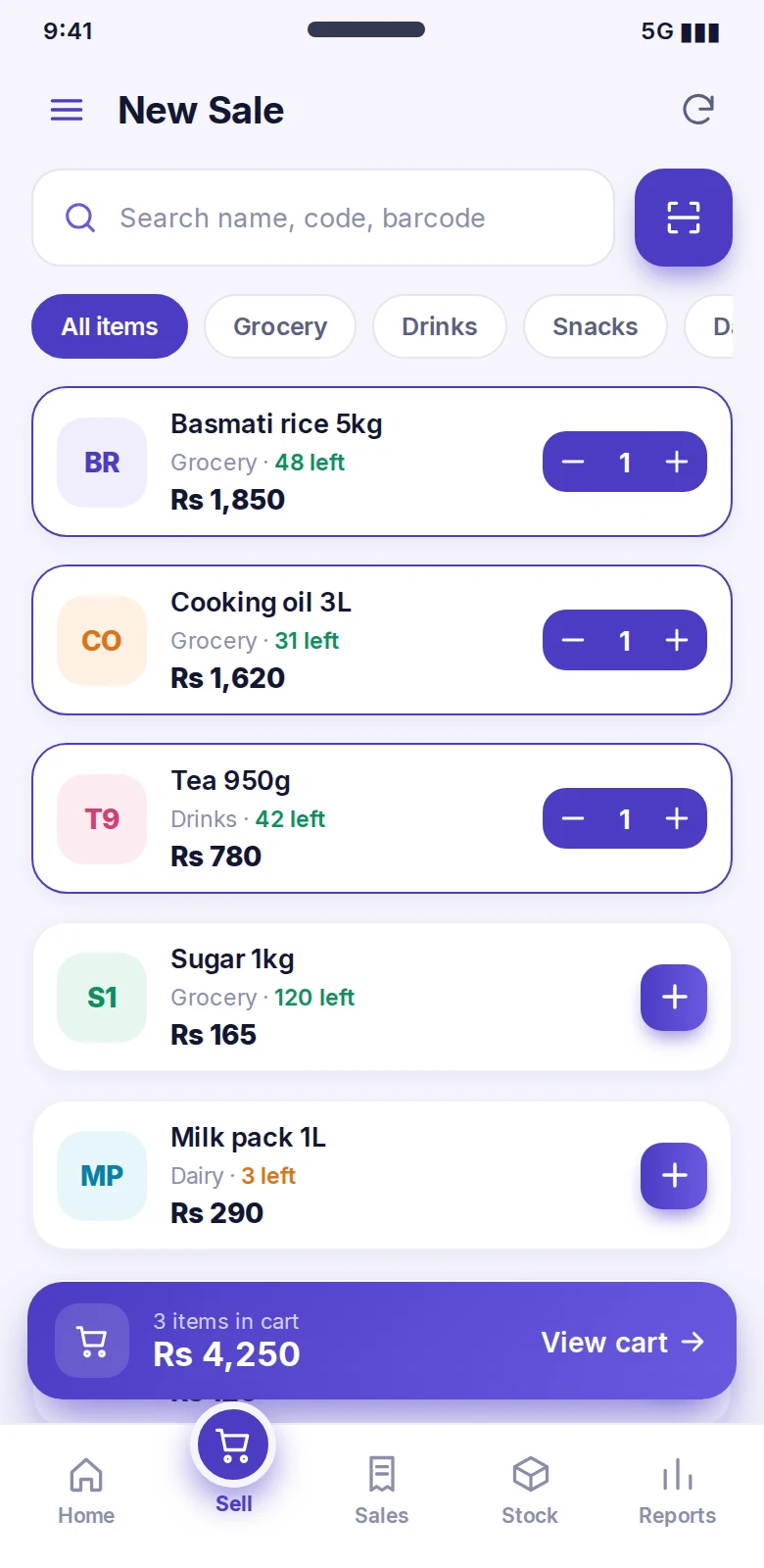
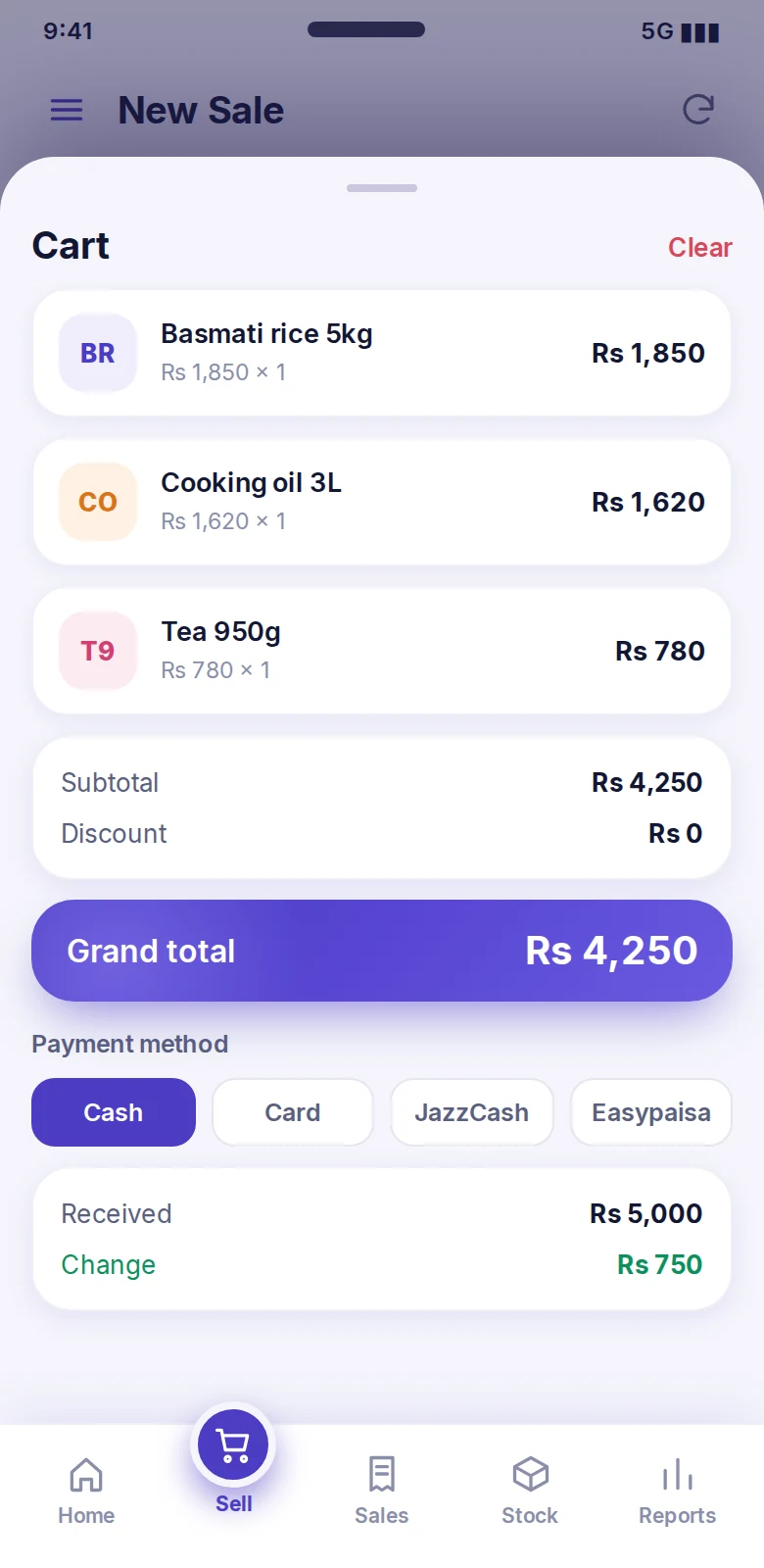
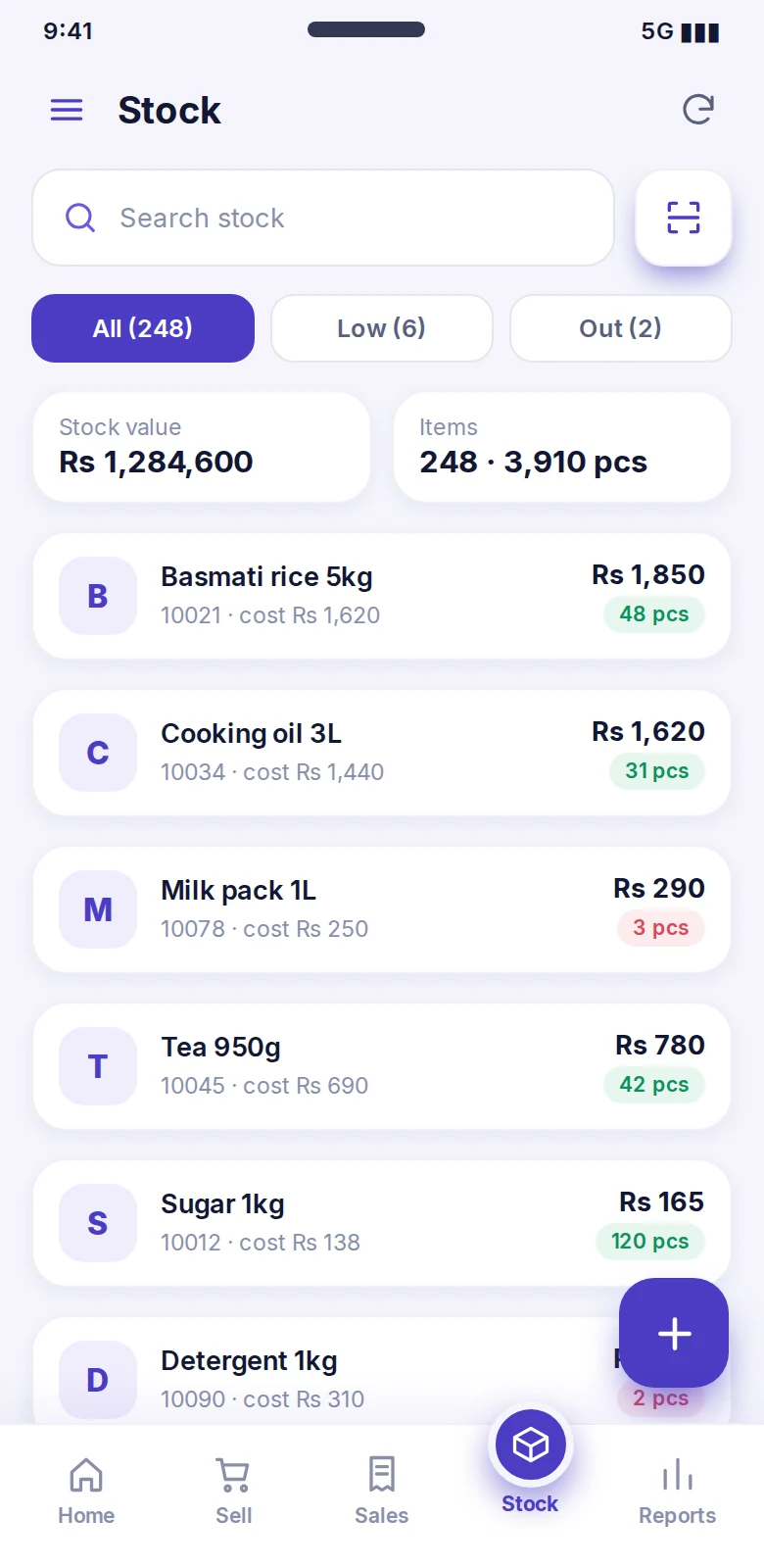
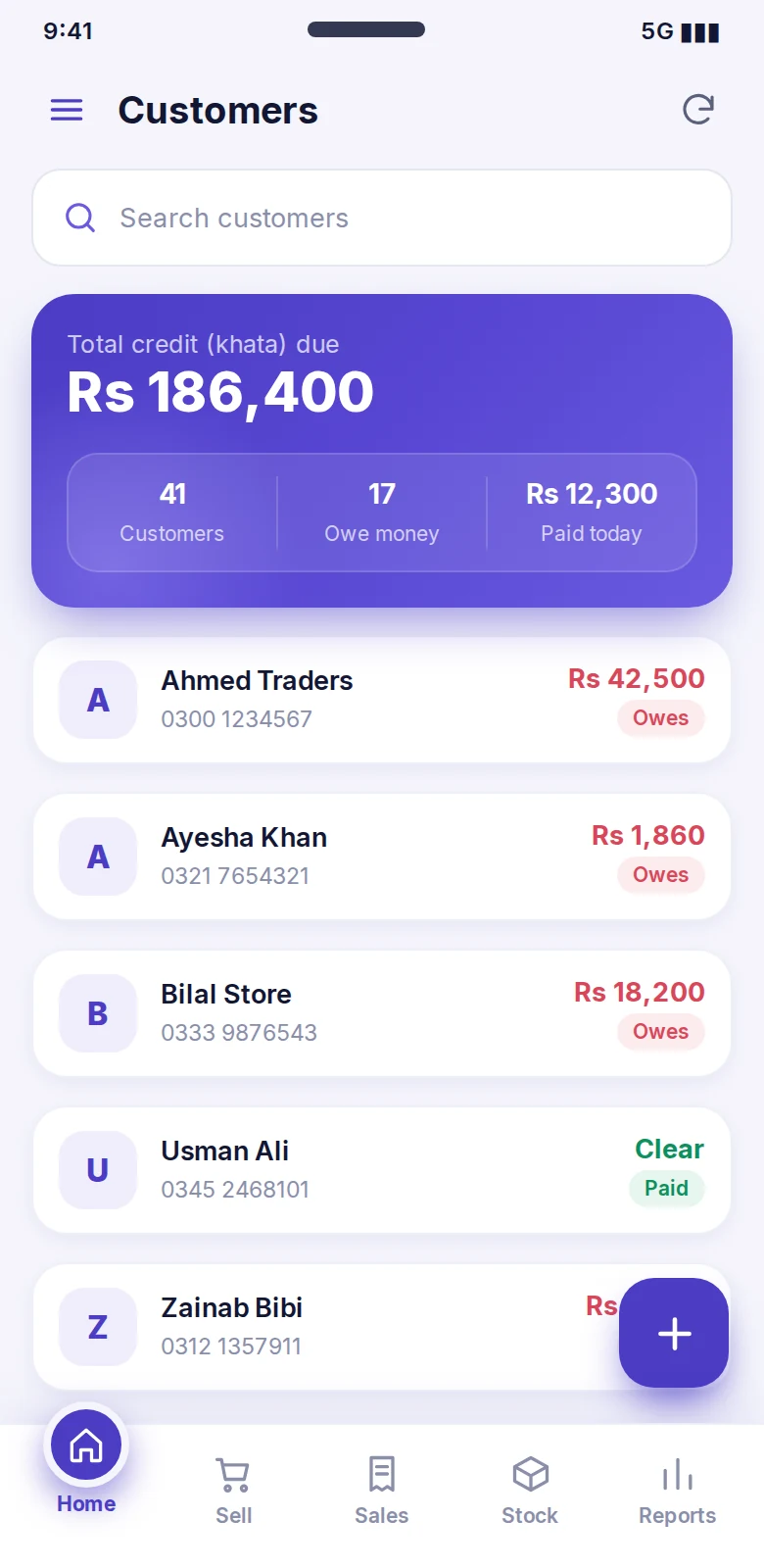
Screenshots taken from the app itself, not mock-ups. Swipe through all 14 screens.
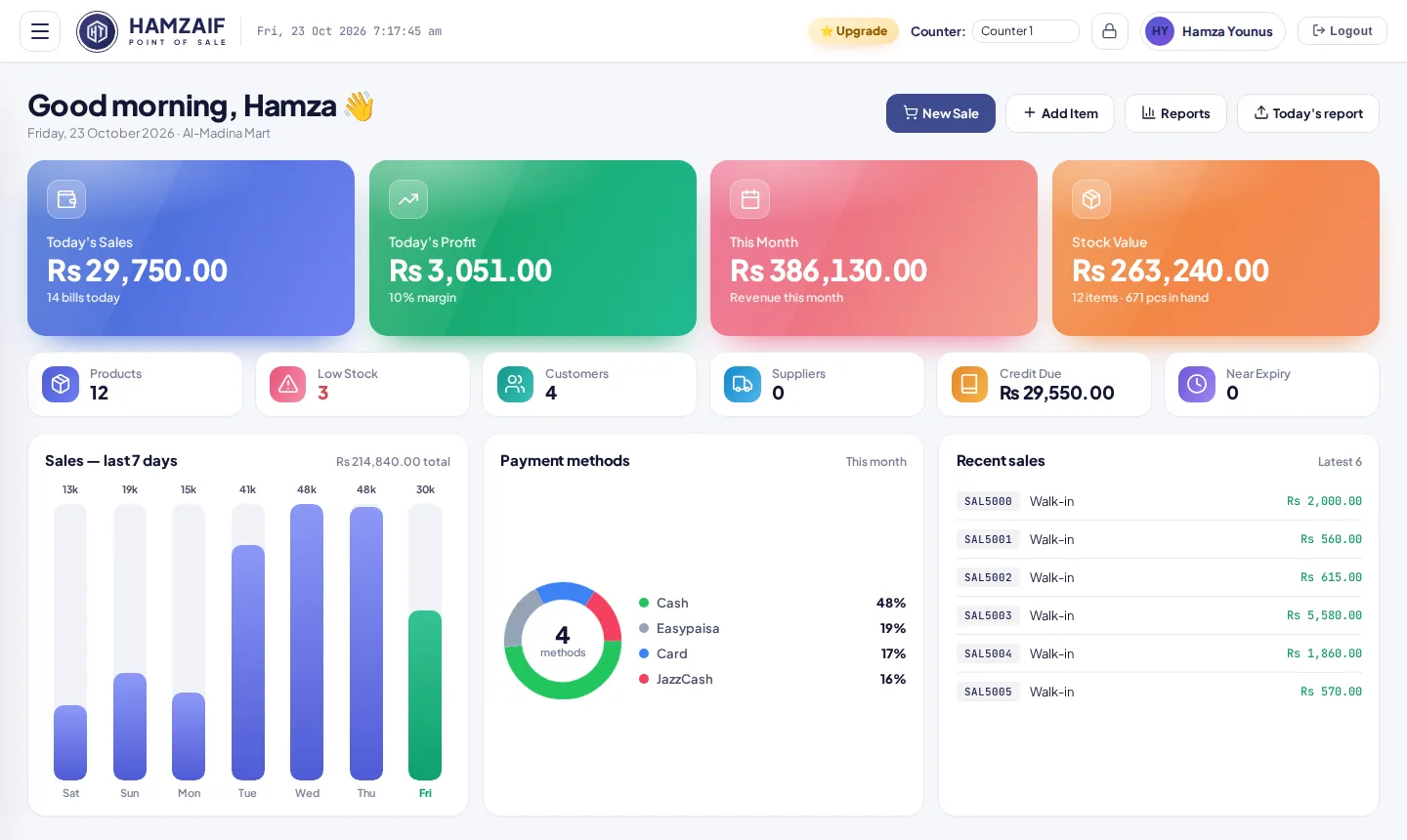
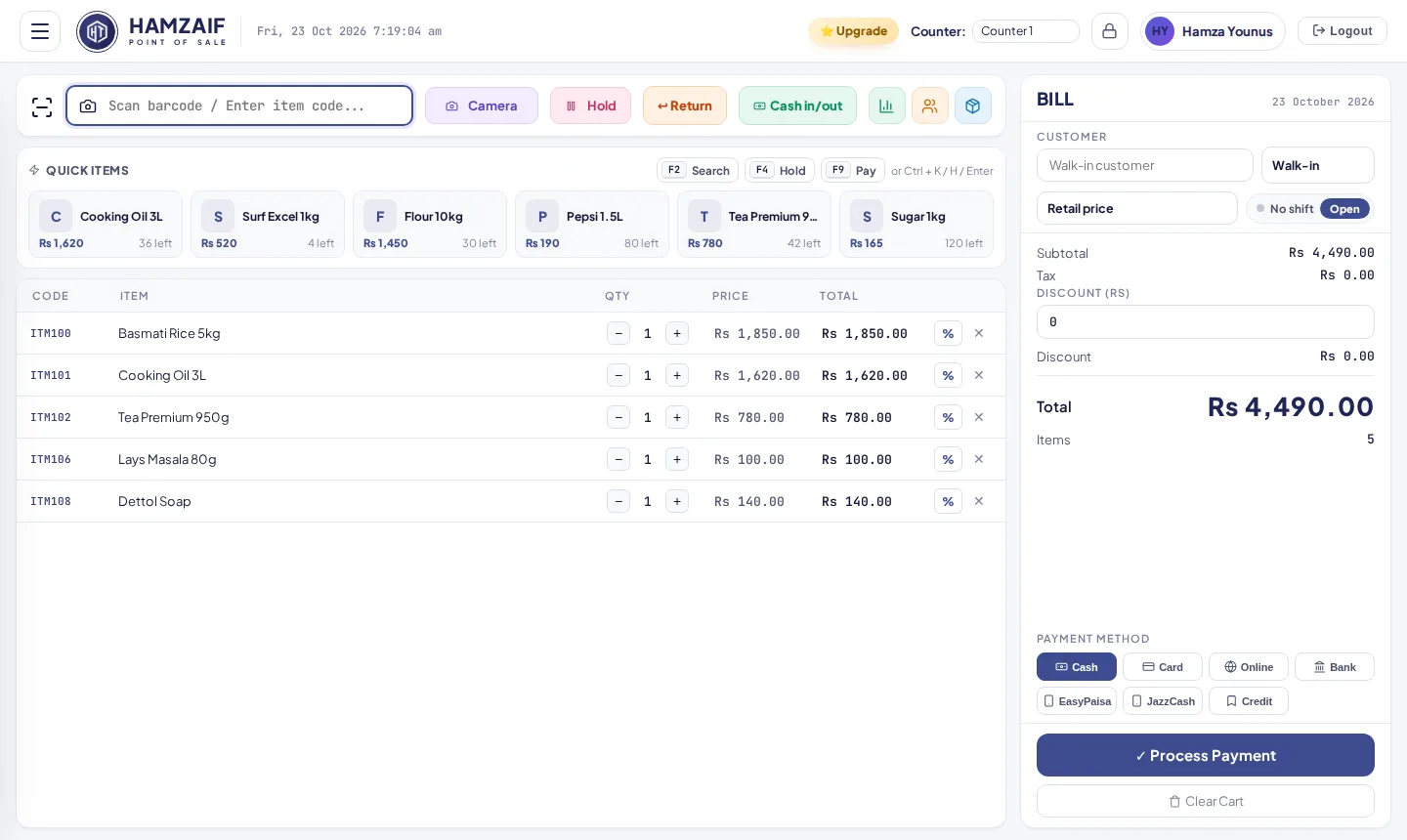
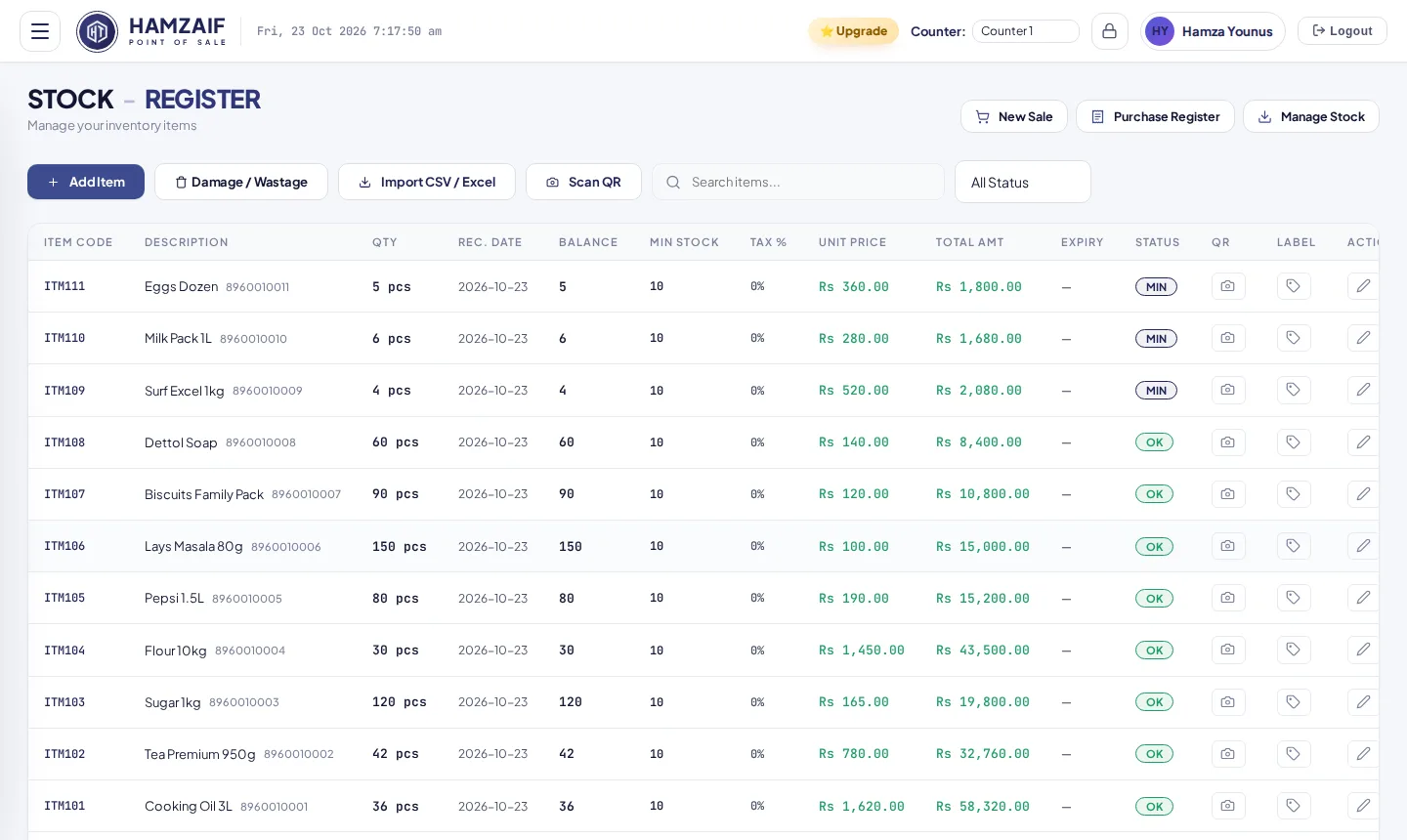
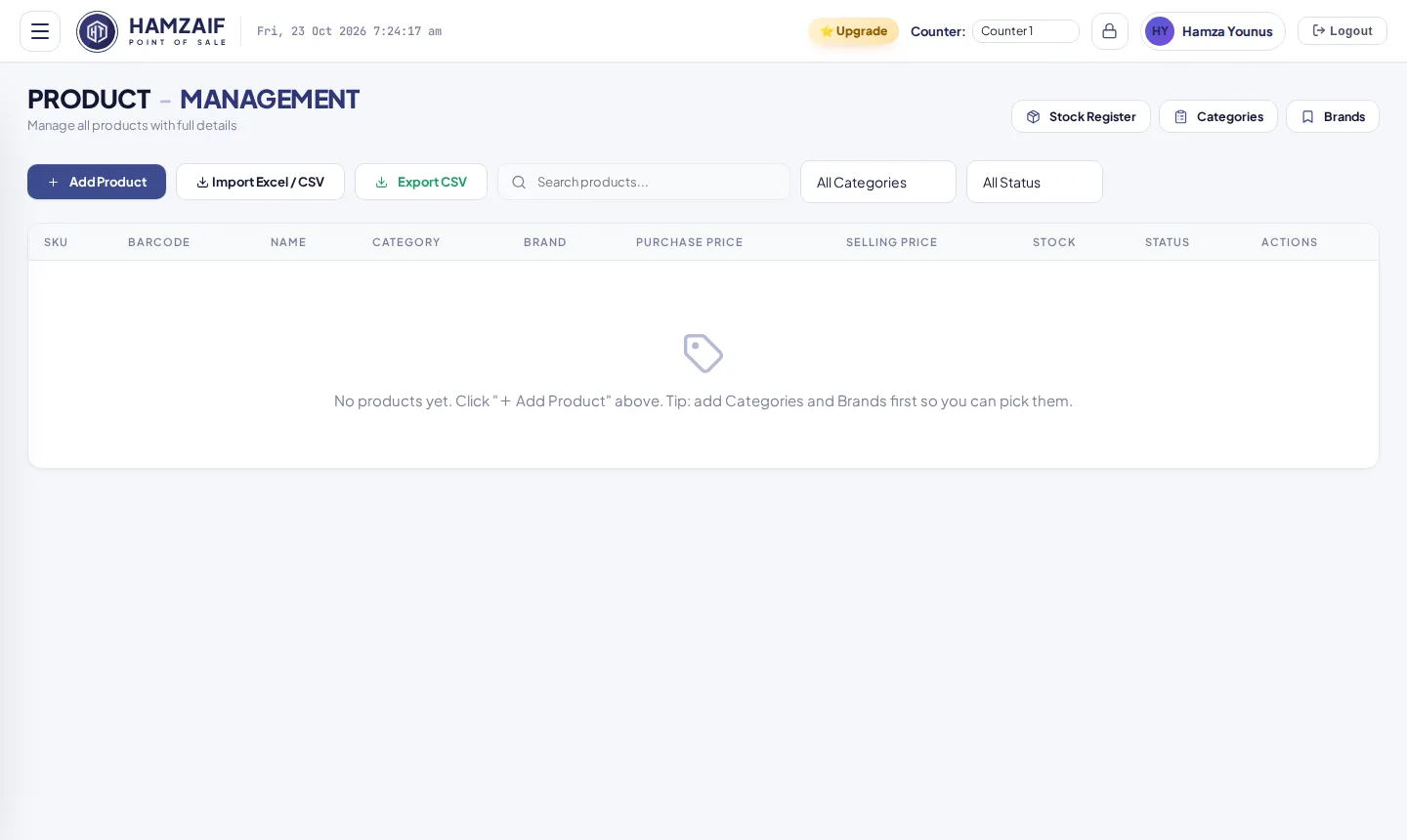
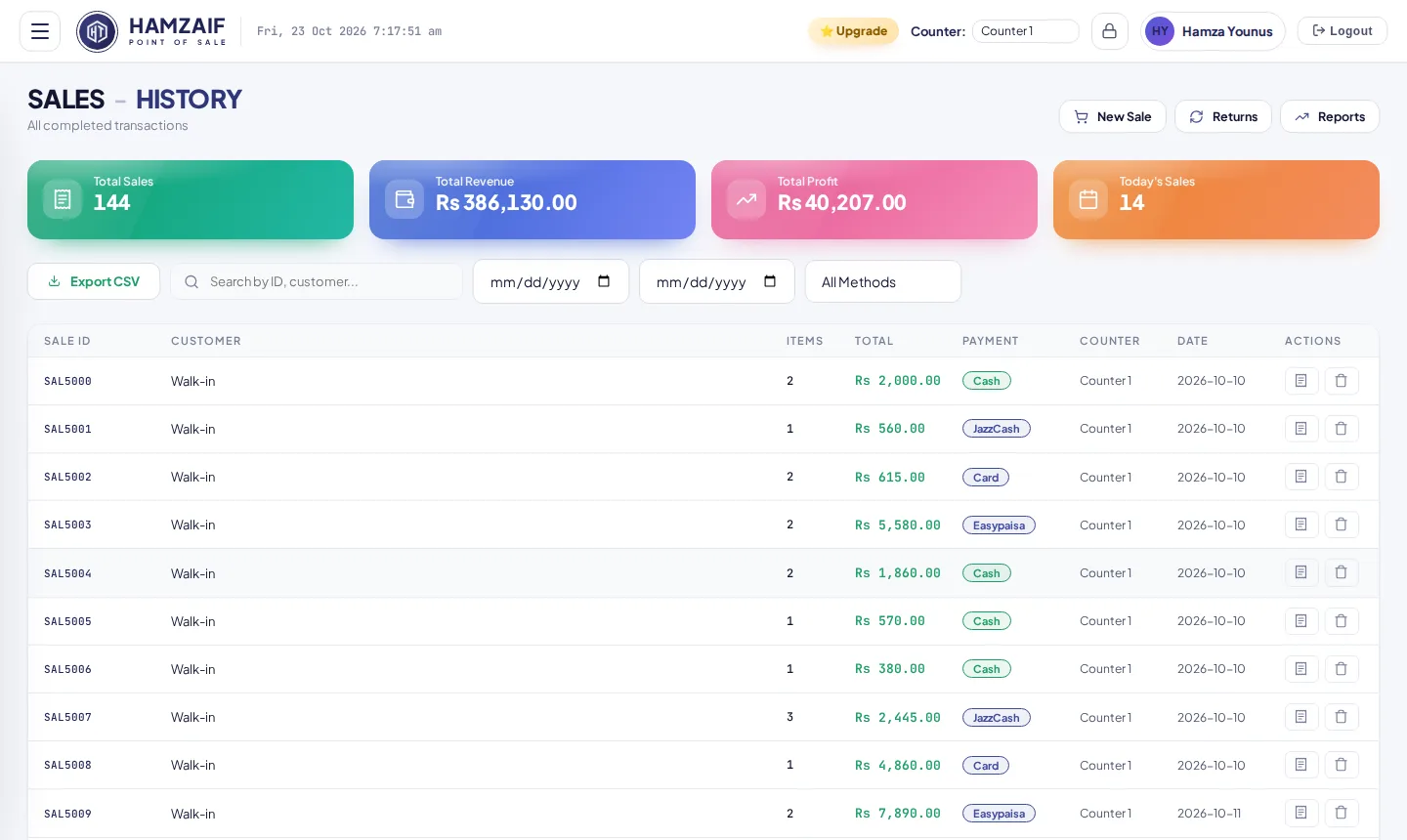
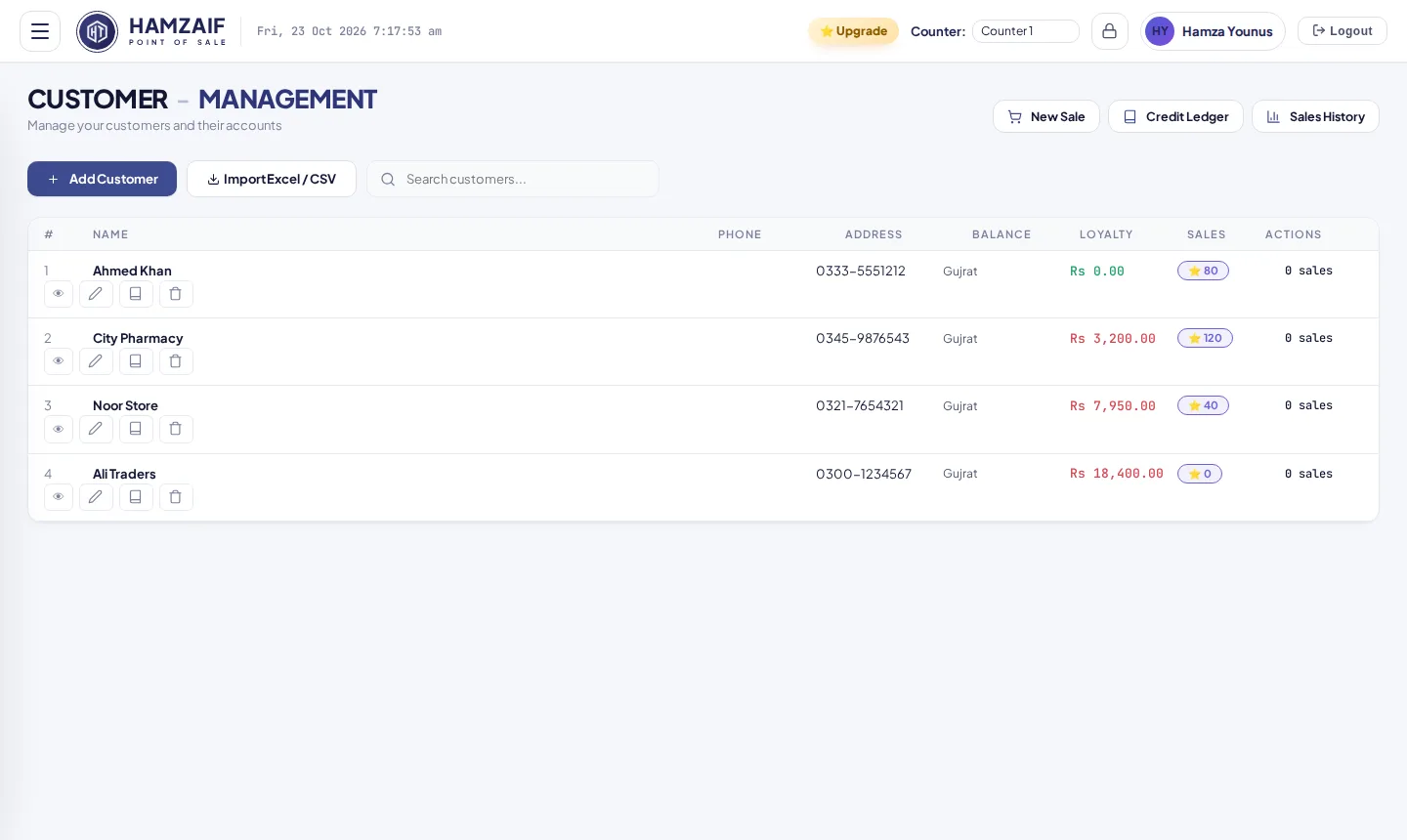
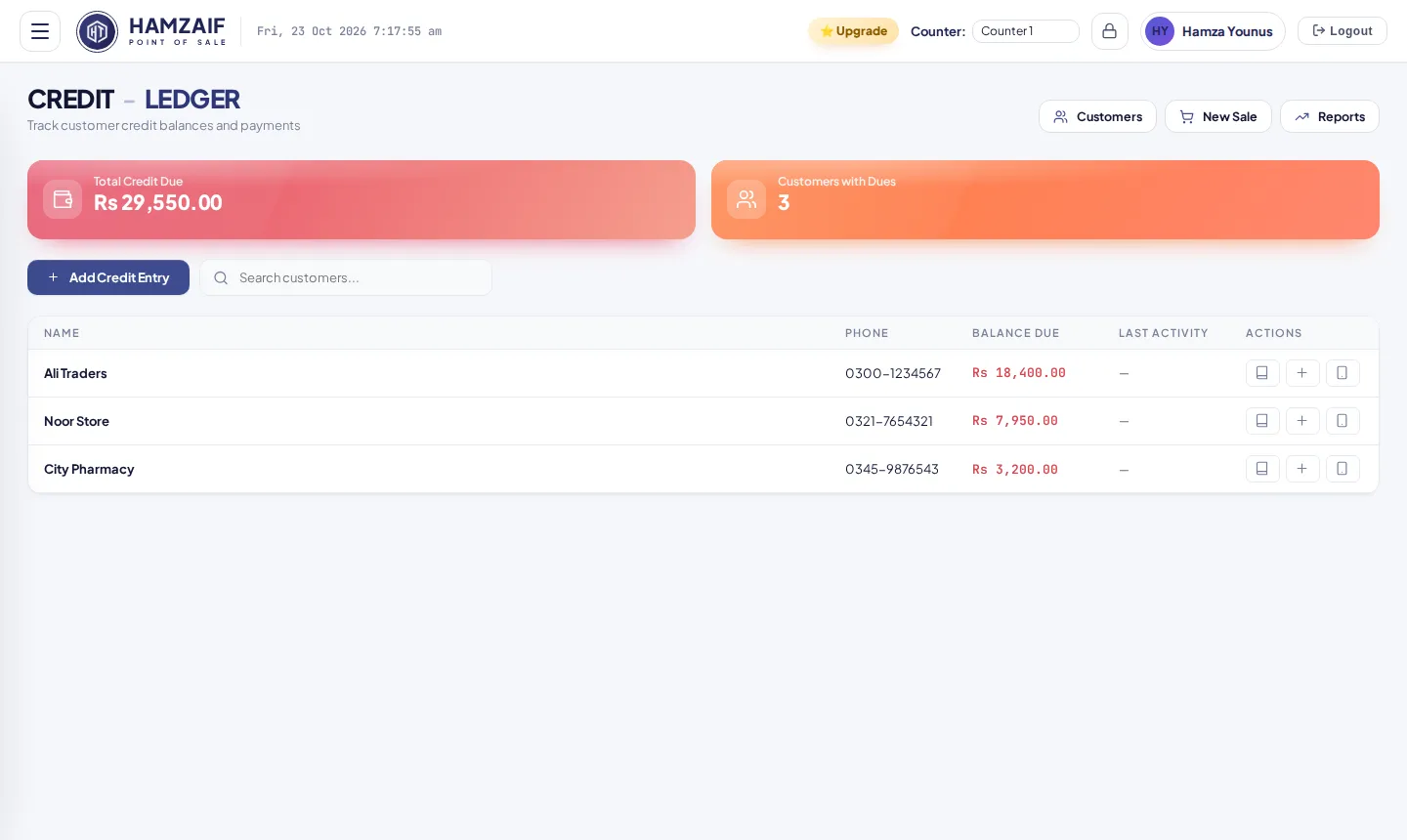
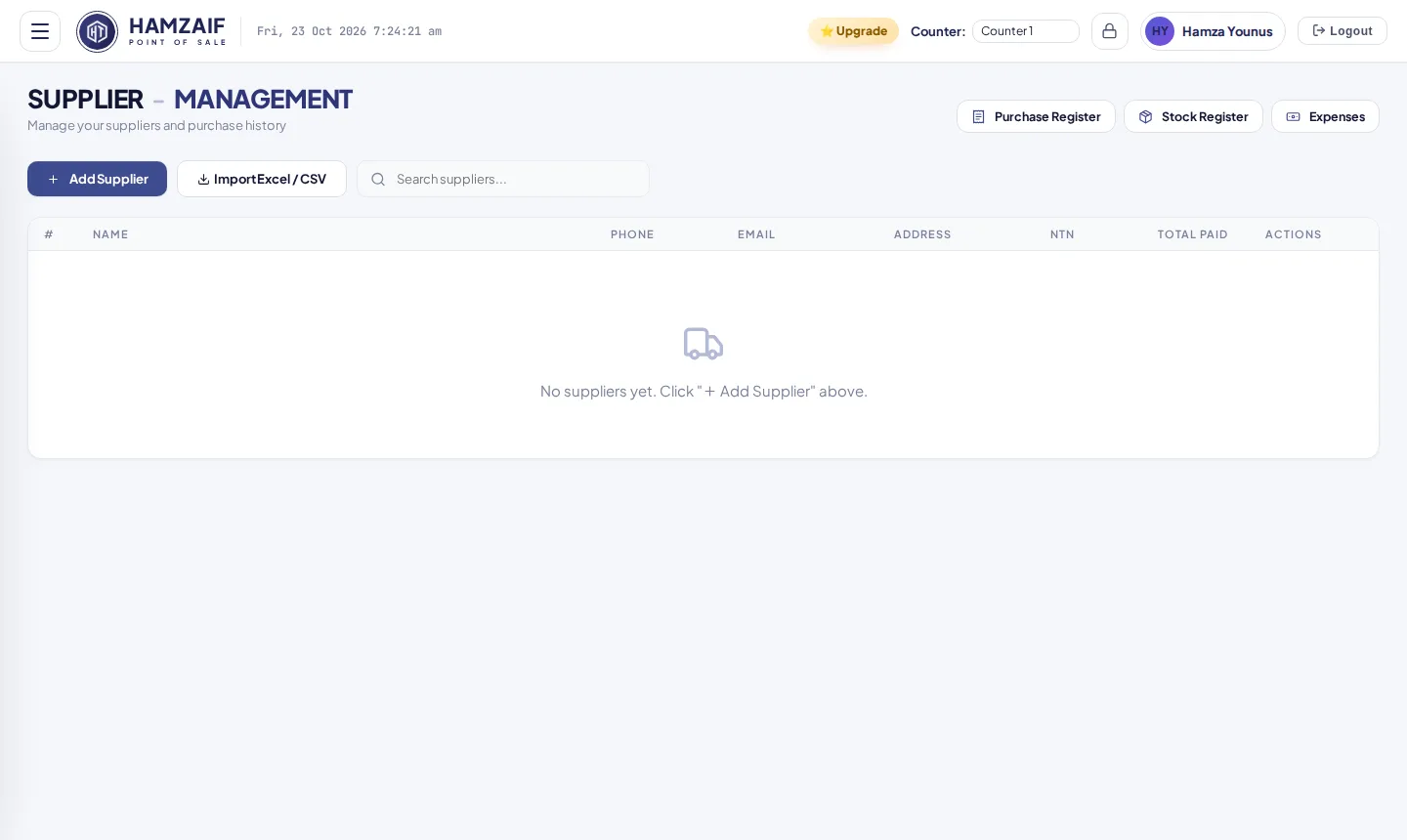
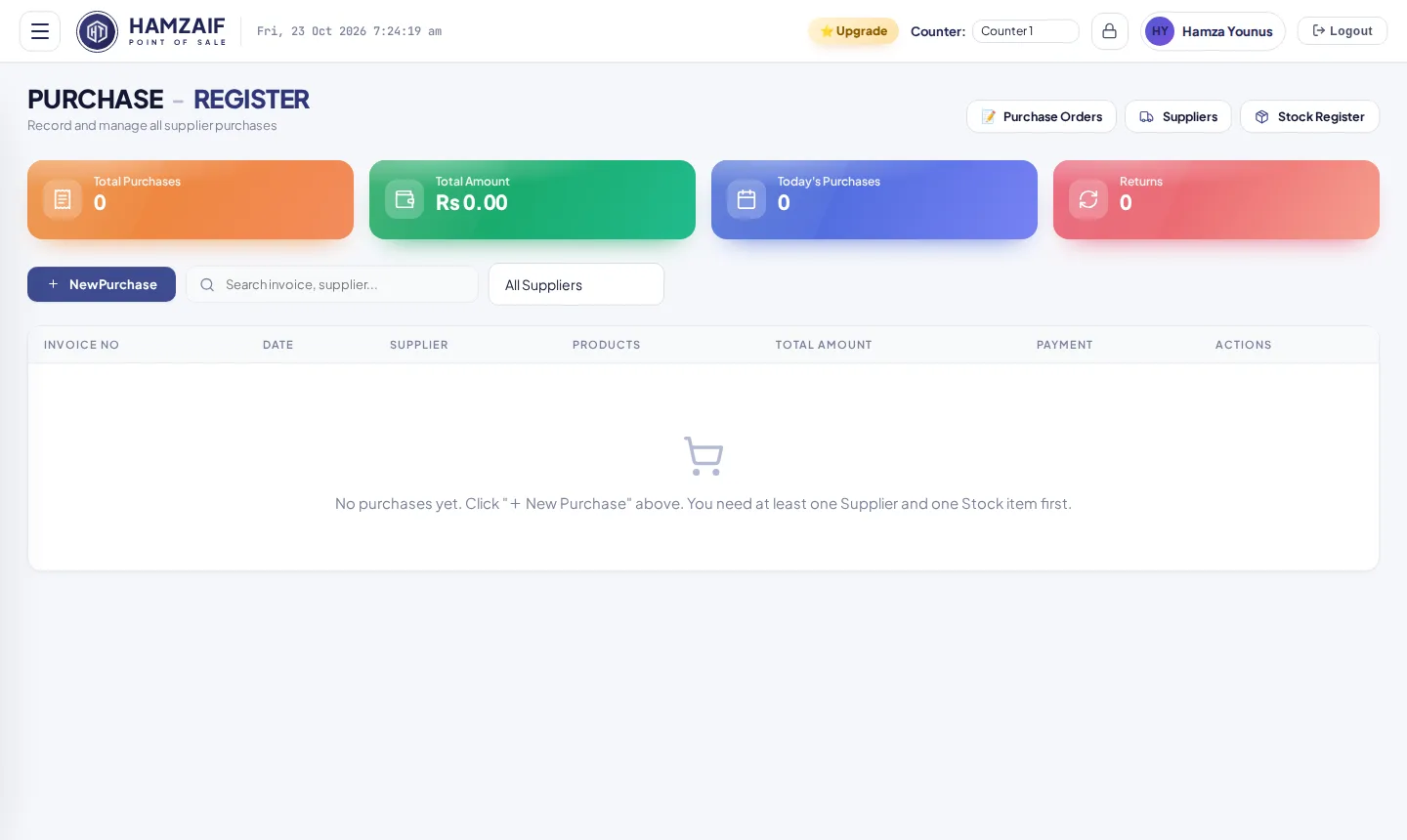
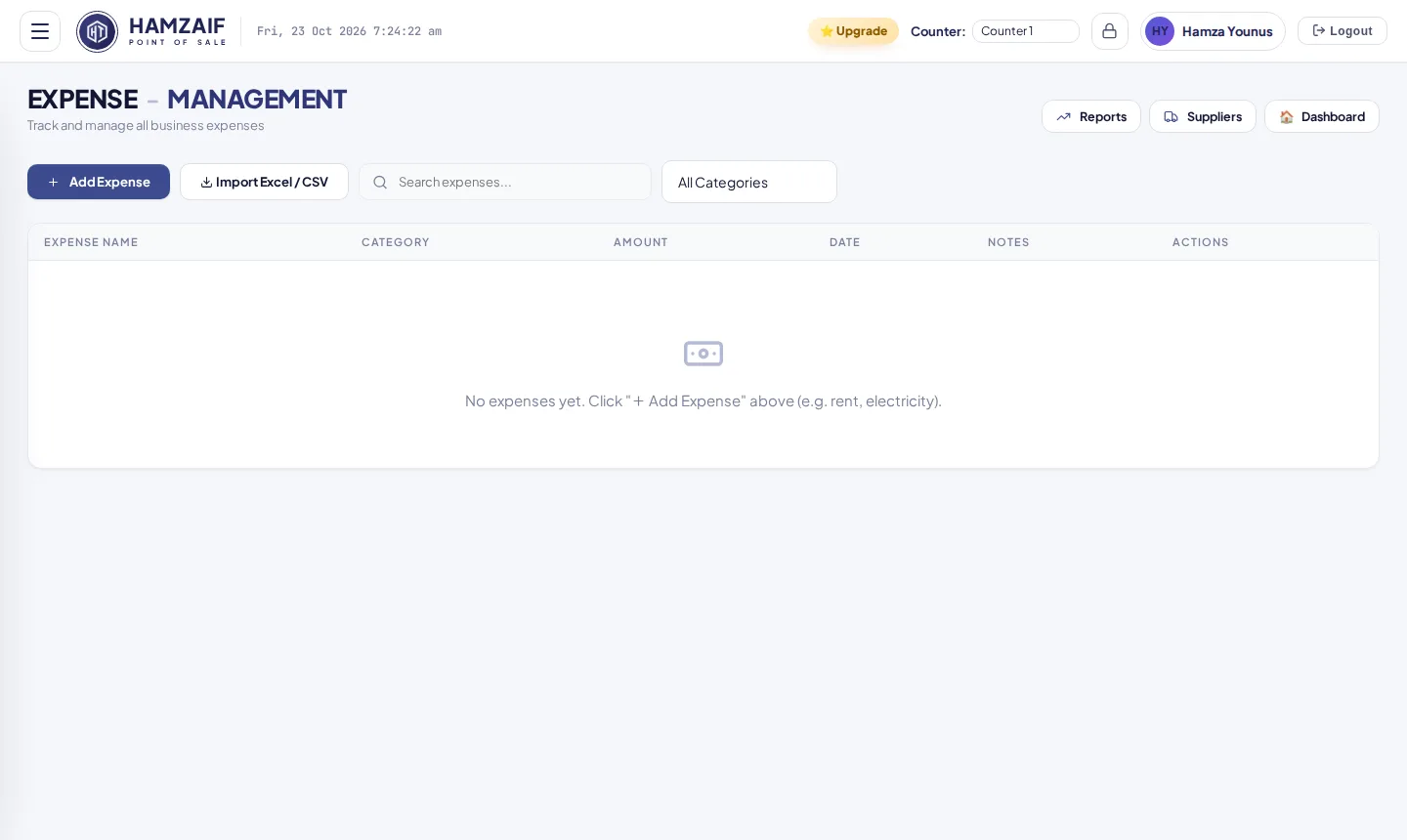
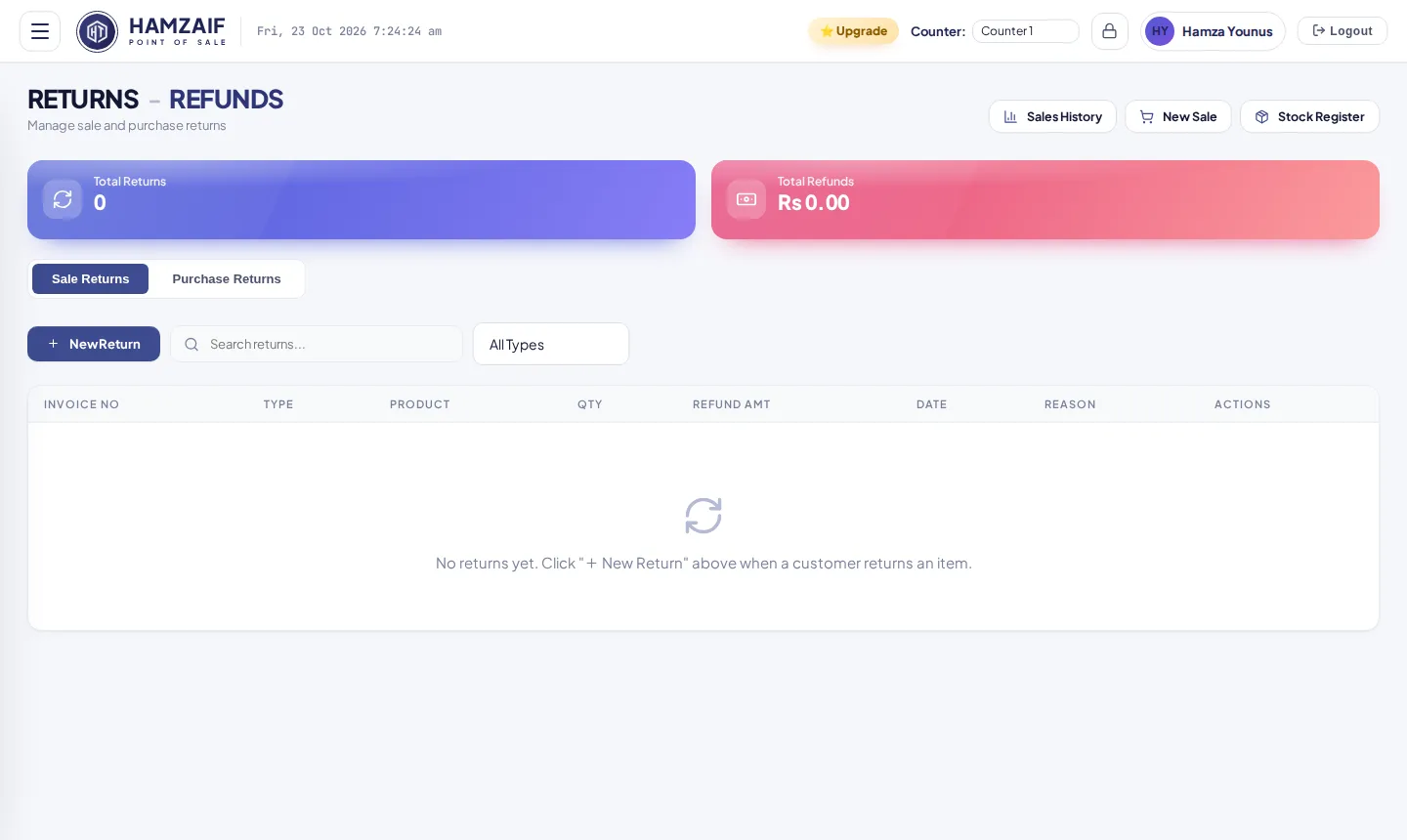
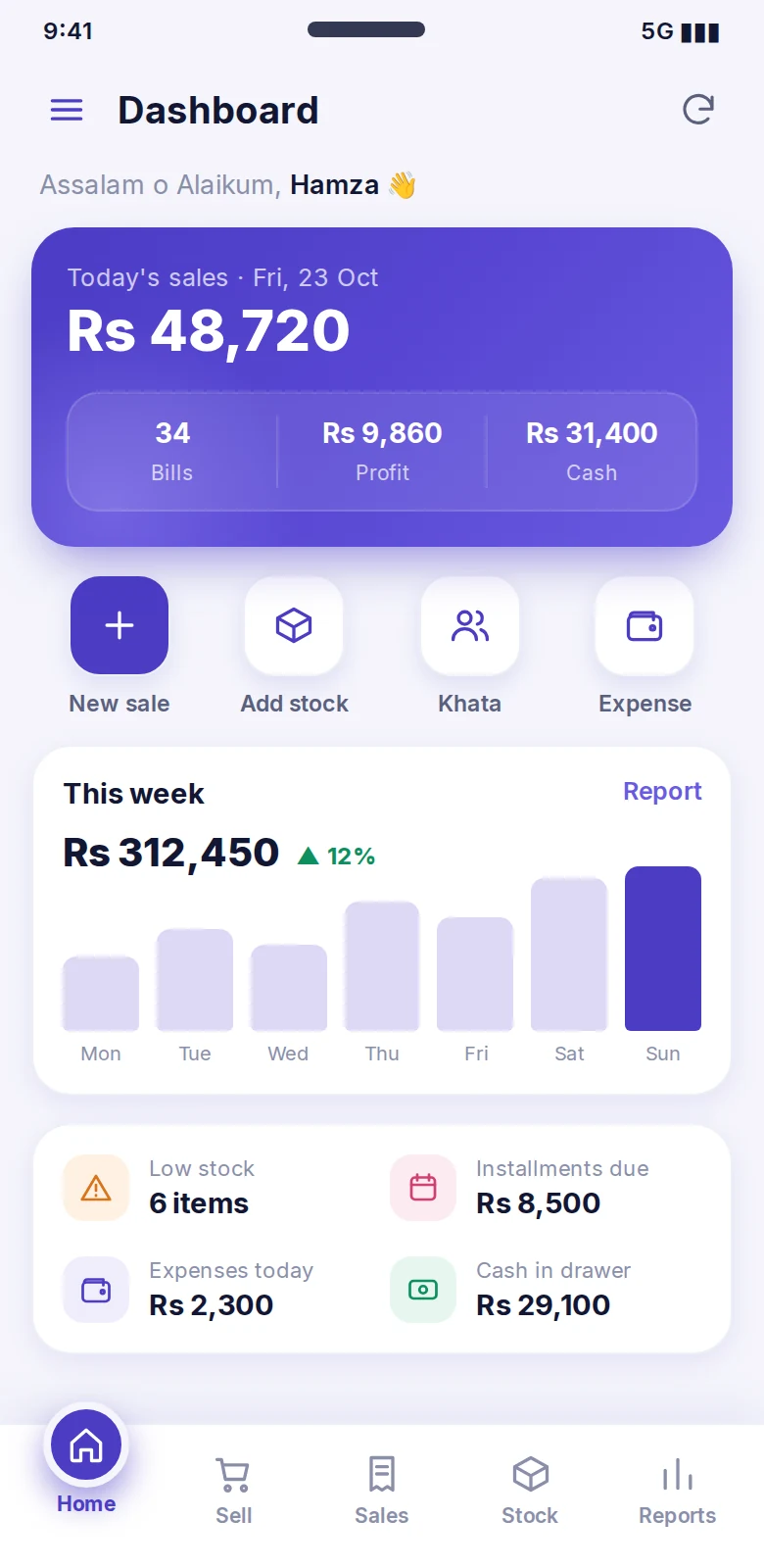
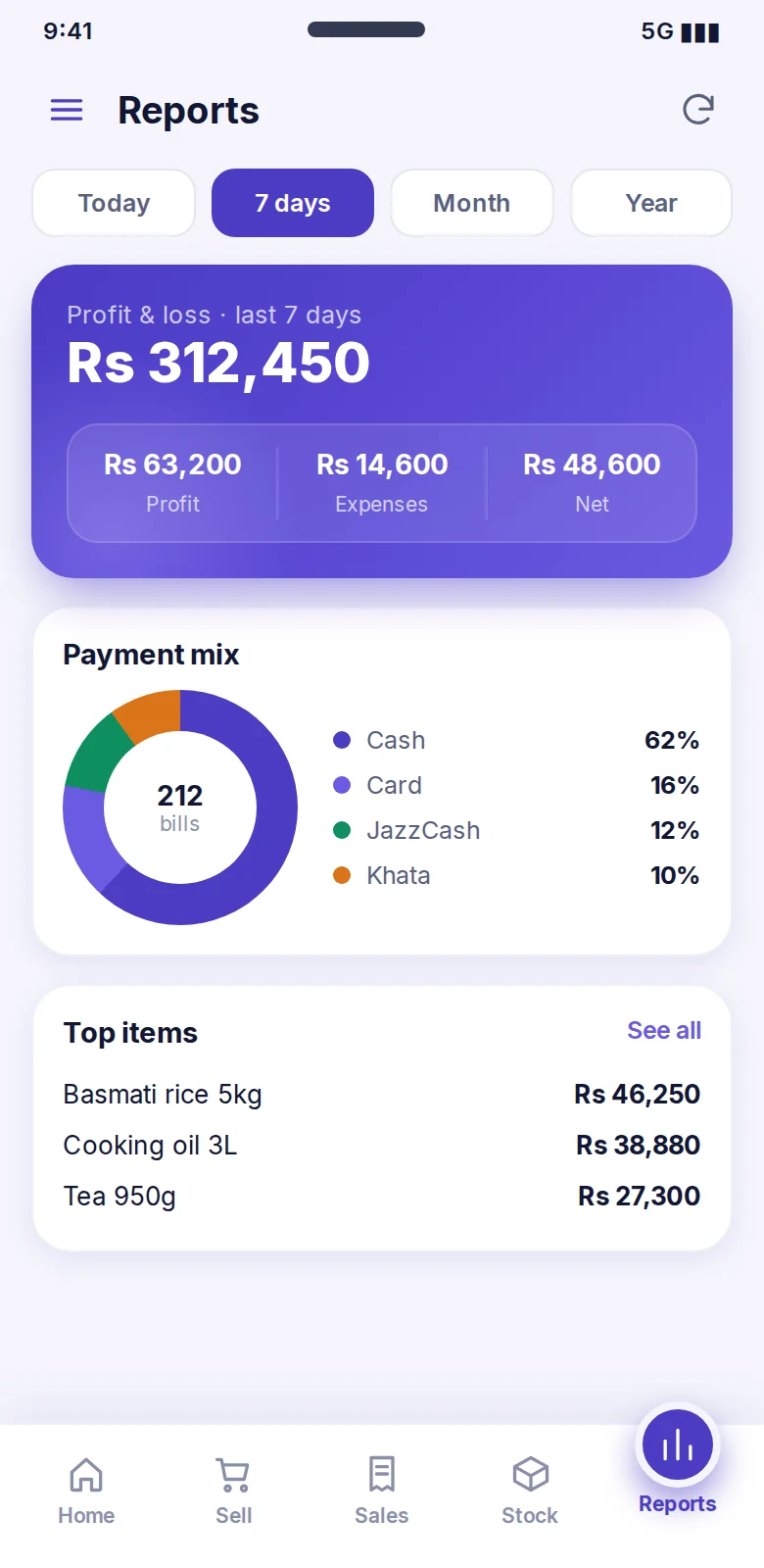
The owner and staff can sell, check stock, collect khata and watch the day's profit from a phone. It connects to your shop server over WiFi, so every sale shows on the main computer.
Built around how Pakistani shops really work: udhaar, wholesale rates, loose items and WhatsApp.
Scan barcodes, search by name, hold bills, split payments, print on 58mm, 80mm or A4.
Cash, card, bank, JazzCash and Easypaisa, with your QR on the receipt.
Low-stock alerts, damage and wastage, stock in and out, QR and barcode labels.
Udhaar balances, part payment on a bill and WhatsApp reminders.
Sell by weight, weighing-scale barcodes and rate entry like Rs 600.
Retail, wholesale and special prices, discounts and buy X get Y free.
Return or exchange from the bill number, right at the counter.
Open a shift with cash, close with a count, cash in and out, Z-report.
Profit and loss, daily and monthly sales, tax, cashier and cash book.
Receipts, quotations and the daily report sent as a picture.
Roles, PIN lock screen, recovery code and an audit log of who did what.
One main computer and many billing counters on your WiFi.
Business packs add pharmacy, bakery and cafe tools when you turn them on in Settings.
Barcode billing, loose items by weight, udhaar ledger and wholesale prices.
Batches with expiry (oldest first), box, strip and tablet units, formula search, supplier returns.
Tables with open bills, kitchen orders, add-ons, service charge and tips.
Cake orders with advance, production, recipes and real cost per item.
Serial and IMEI tracking, warranty lookup, installments and repair job cards.
Wholesale price levels, company invoices, purchase orders and supplier payables.
Installs in minutes and keeps data on your computer. Prints straight to the thermal printer, opens the cash drawer and updates itself.
The same POS in your browser with the same screens and features. Open the demo
Sell with camera barcode scan, check stock and khata, see reports and send PDF receipts on WhatsApp. It joins your shop server over WiFi as counter "Mobile". See the app
Everything to run your counter.
Everything in Basic, plus:
We do it all for you.
Yes. The Windows app keeps all your data on your own computer, so billing continues when the internet is down.
A Windows app for the counter, a web version in your browser, and an Android app for the owner and staff. The phone connects to the same shop server over WiFi.
Yes. Set one computer as the main computer and connect other counters on the same WiFi. Stock stays correct when two counters sell the same item.
Standard thermal receipt printers (58mm and 80mm), A4 printers, USB barcode scanners and your camera. The cash drawer opens from the receipt printer.
A backup is saved every day on your computer, and you can copy backups to a USB or Google Drive folder. Staff get their own logins and a lock screen PIN.
The Windows app checks for new versions and installs them with one click. Your data is kept.
Basic is included with the installer. Premium is Rs 1,500 per month and unlocks extra features for your shop.
Yes. HamZaif Technologies can supply the computer, printer, scanner and drawer, install everything and train your staff.
Book a free demo on WhatsApp. We show you the screens and quote the right setup.
Chat on WhatsApp